
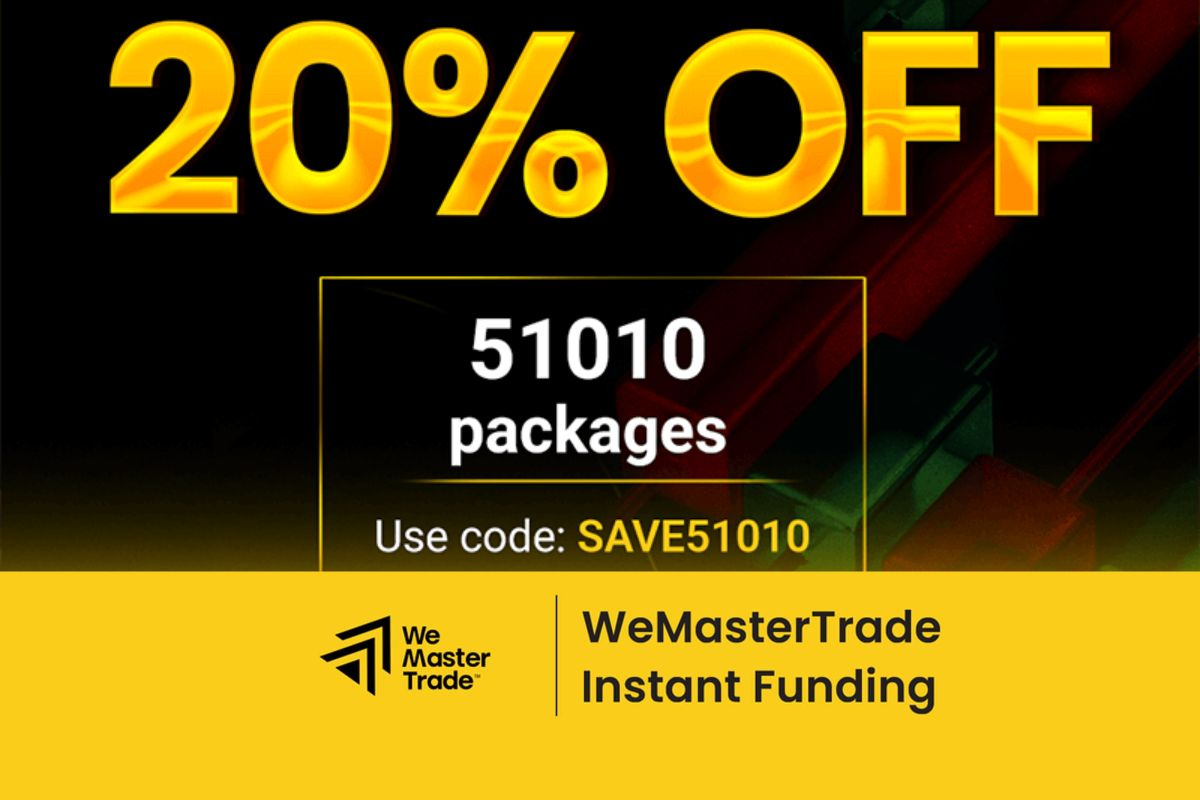
WeMasterTrade is a funding firm that supports traders by providing real trading accounts without requiring any evaluation tests, offering flexible conditions and attractive profit-sharing ratios. If you want to start your journey to become a professional trader, follow these steps to register an account and receive trading capital:
REGISTER WEMASTERTRADE ACCOUNT: Enter discount code 20%: TRADEFOREX20
Step 1: Visit the WeMasterTrade Homepage
- Go to the official website: wemastertrade.com
- Click the “Register” button.
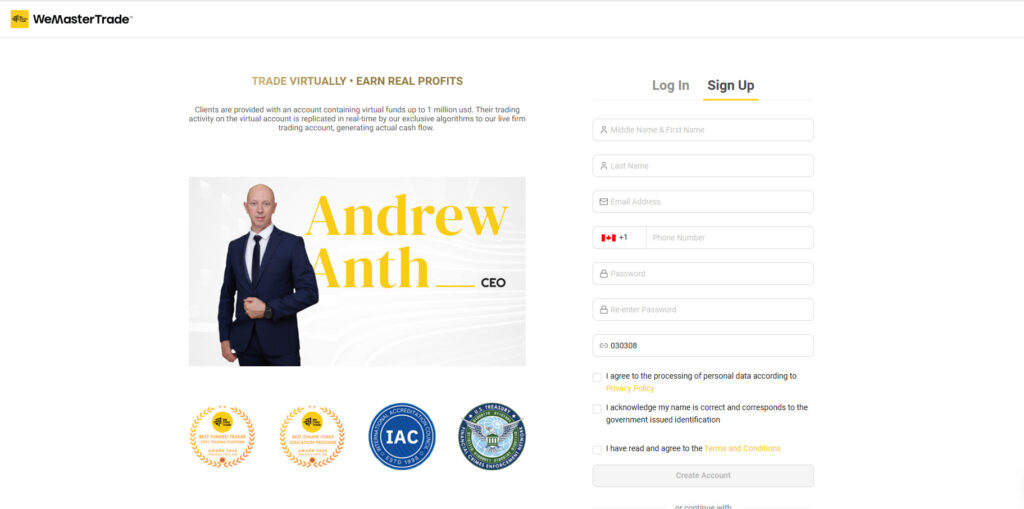
Step 2: Create a User Account
- Enter basic personal information:
- Full name
- Phone number
- Password
- Code: 030308
- Agree to the terms and policies
- Click “Register”
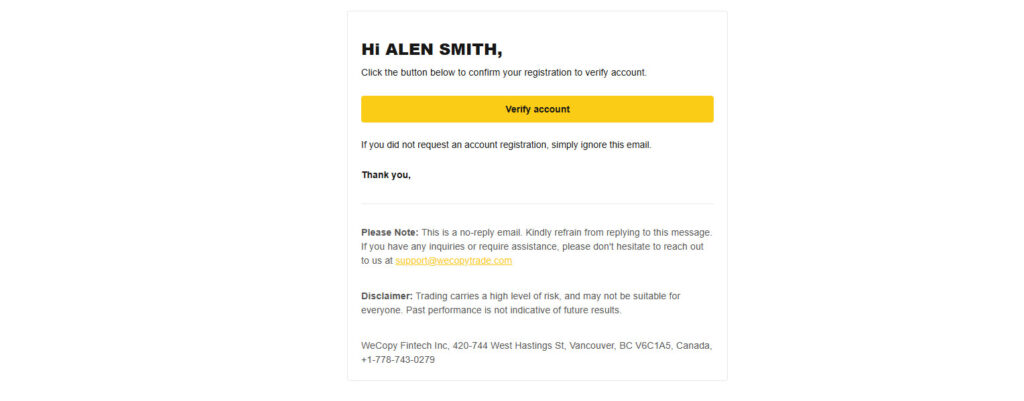
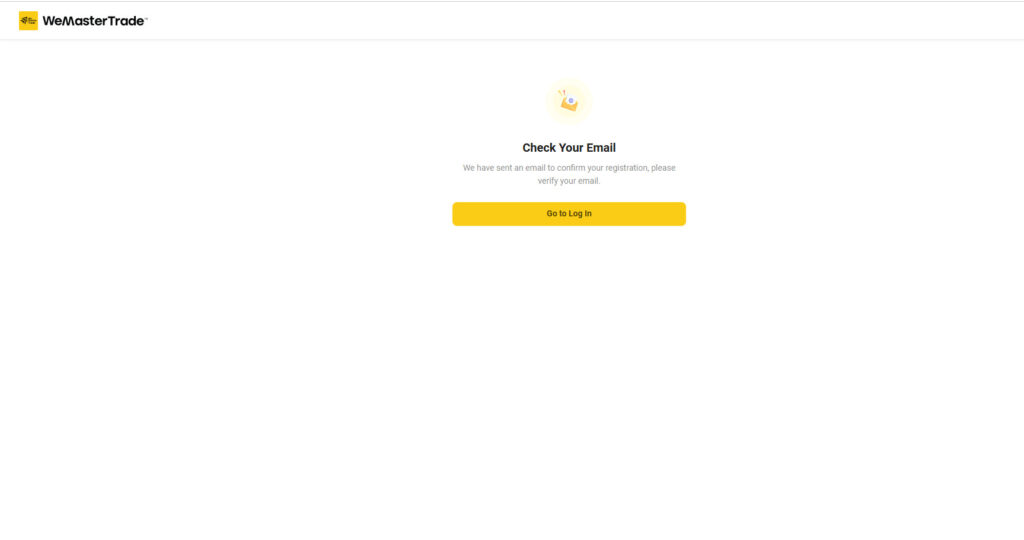
- Check your email for a verification message and click the link to activate your account.
Step 3: Log In and Verify Identity (KYC)
- After activating your account, log in using your email and password
- Go to “My Account” > “Identity Verification”
- Upload:
- A photo of your ID document
- A selfie holding your ID
- Wait for verification, which usually takes 1 to 3 hours.
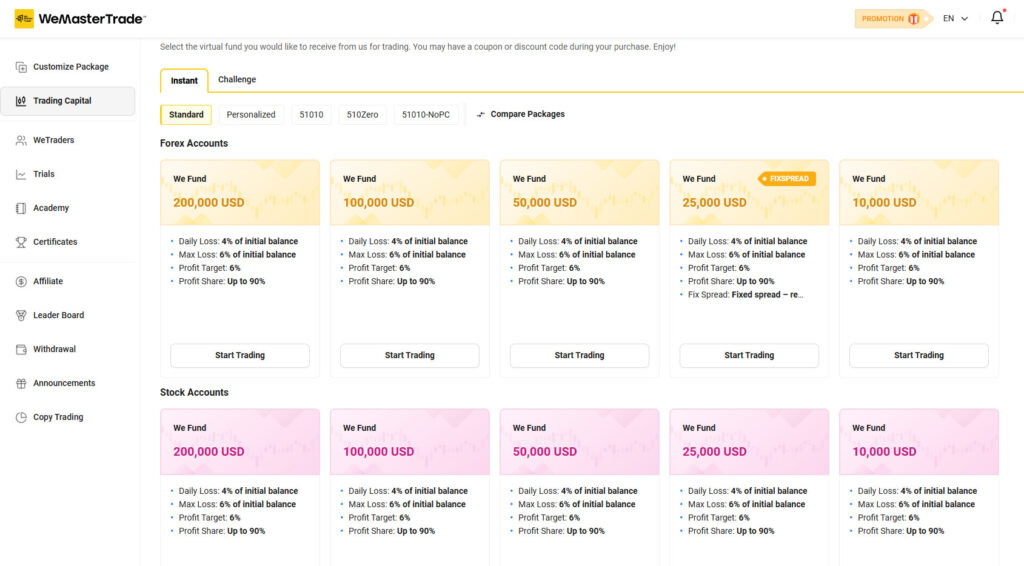
Step 4: Choose a Suitable Funding Package
- Navigate to the “Funding” menu
- Select your preferred account type: Forex (including gold and currency pairs), Crypto, or Stocks
- Choose either a custom package or one of the available funding packages on the platform. For example, package 51010 with a $10,000 WeFund.
- Each package has different participation fees and profit conditions.
- Advantage: No evaluation test required, receive a funded account directly.
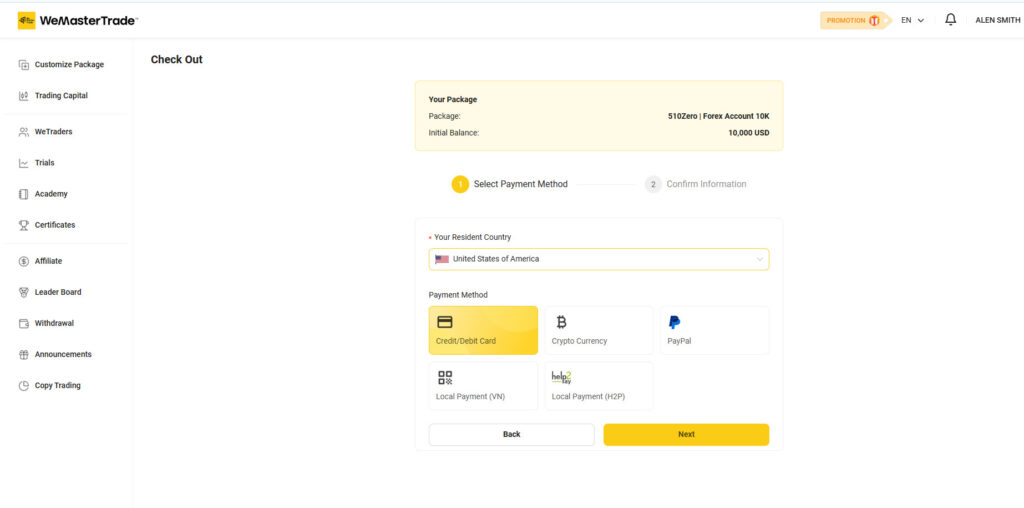
Step 5: Pay the Funding Package Fee
- Select your payment method:
- Bank transfer
- Cryptocurrency (USDT, BTC, etc.)
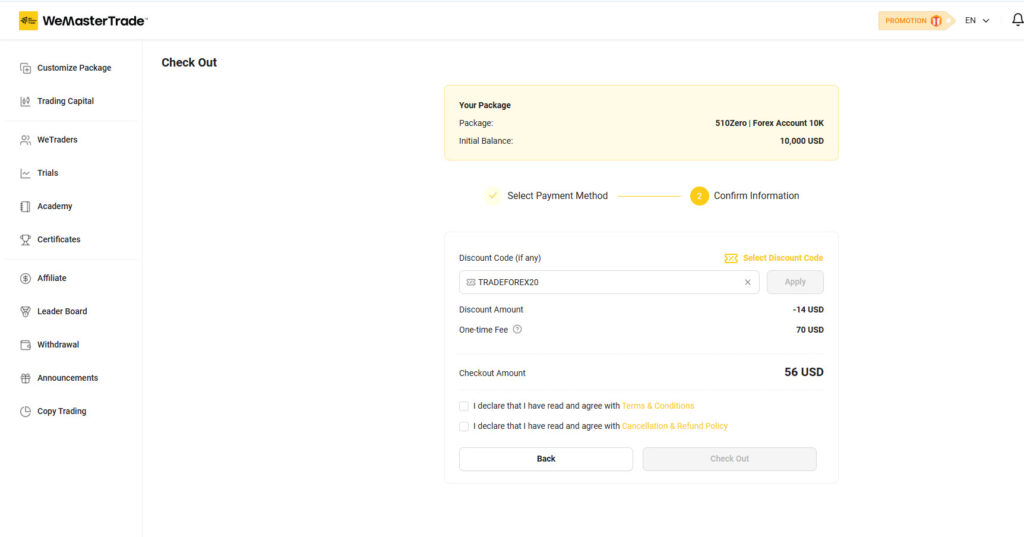
- You can enter a discount code if you are a first-time registrant.
- Complete the payment and wait about 15–30 minutes for the system to issue your MT5 account.
- Check your registered email to confirm and sign the electronic fund agreement sent by the platform.
- Enter discount code 20% : TRADEFOREX20
Step 6: Receive Your Account and Start Trading
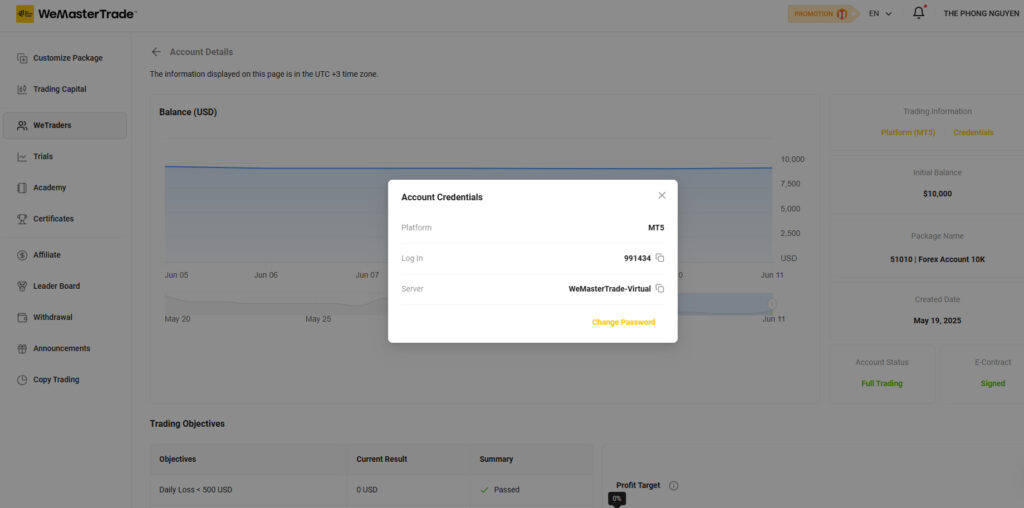
- Check the “MT5 Account” section for:
- MT5 login ID
- Password (remember to change it)
- Trading server: WeMasterTrade-Virtual
- After signing the electronic contract, your account status will show as completed.
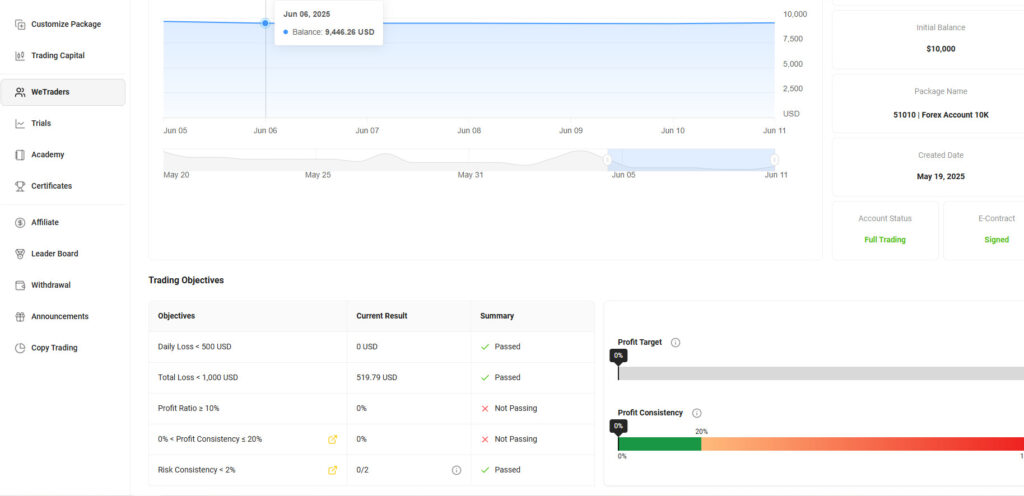
- Manage your risk by monitoring two key parameters:
- Max Daily Loss (default 2%)
- Max Total Loss (default 4%)
- For example, with a $10,000 fund, your daily loss limit is $200 and total loss limit is $400. Exceeding these will result in account termination.
- Always manage your trade volume carefully and set stop-loss orders.
- The target profit is the minimum profit you must reach to withdraw earnings, default is 6% (e.g., $600 for a $10,000 fund).
- You can adjust loss limits and target profit, but this will affect the fees and conditions.
- The platform charges a small funding fee, about 0.25% to 0.5% of the funding amount (around $70 for $10,000), which is reasonable and suitable for beginners to experience real trading.
Additional Highlights of WeMasterTrade
- No evaluation test required, direct funding after payment
- Low fees and flexible trading conditions
- Leverage: Forex and Crypto 1:100, Stocks 1:20
- Supports diverse assets: Forex, Stocks, Crypto, Indices, Energy, Precious Metals
- Licensed and regulated in Canada, with MSB license from FinCEN (USA), and ISO certification from IAC
- Fast payment processing and 24/7 customer support
If you are a consistent trader, WeMasterTrade is a great opportunity to build profits from financial markets. Good luck!
Disclaimer. WeMasterTrade or WeCopyTrade does not own or operate this website and is not responsible for its content. This website is owned by propfirm, an independent marketing partner. Propfirm also does not solicit or accept investment capital from anyone. All information shared is for reference only. Each individual is responsible for his/her own capital.
With WeMasterTrade, I was able to request withdrawals 24/7, and the process was smooth and fast
The withdrawal time was surprisingly quick—my funds arrived within a few hours after approval
I appreciate the flexibility of multiple payment methods including bank transfer, crypto, and PayPal for withdrawals
WeMasterTrade’s payout system is transparent and reliable; I never had any issues withdrawing my profits.
After meeting the profit target and complying with risk rules, I successfully withdrew my earnings without hassle
The platform’s automated withdrawal process made it very convenient to get my money anytime I wanted.
Customer support was helpful when I had questions about the withdrawal steps and fees
The profit split is fair, and the ability to withdraw profits regularly motivates me to trade consistently
I liked that there is no long waiting period for withdrawals, unlike many other prop firms.
Overall, withdrawing money from WeMasterTrade was a positive experience—fast, secure, and user-friendly